











Different versions of the Samsung FRP lock remove feature
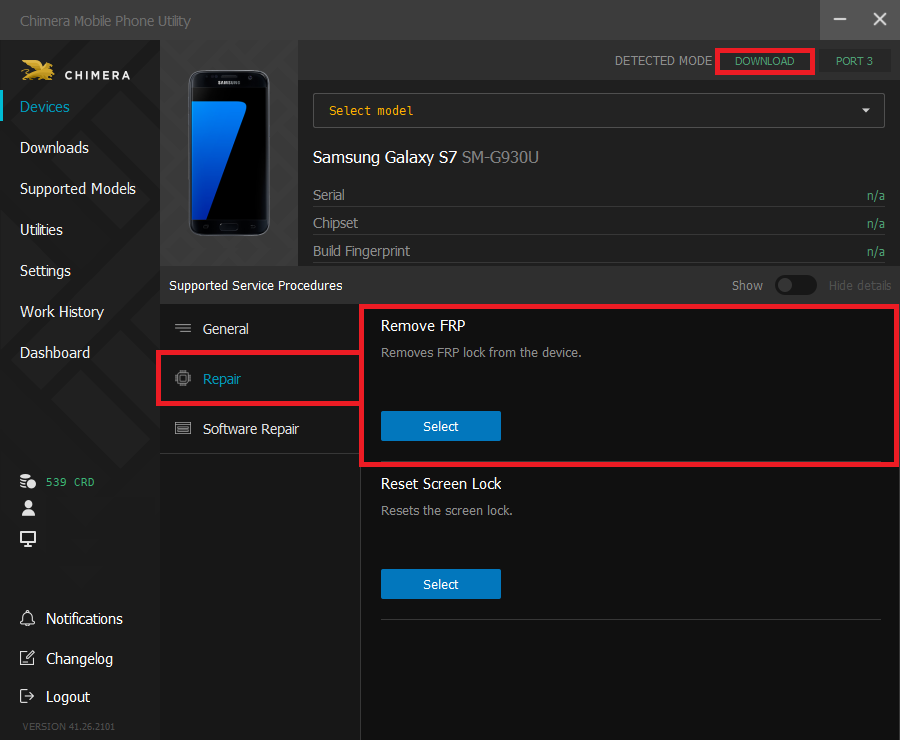
- Reset FRP/Reactivation Lock - UFS: when the model name of your phone can be found in the drop-down list, please select this method. Unfortunately, this feature is not available on all devices yet. Note that the model name needs to match completely in this case as well.
- Reset FRP Lock - NEW: In this feature, you can select between combinations of model-firmware versions from a drop-down menu. It is important to know that the procedure will only be successful if the pairings fully match.
- Reset FRP Lock (OLD): This operation will only succeed in the case of a firmware older than August 2016. In case of a newer firmware, the procedure is unable to finish successfully.
FAQ
Check Frequently Asked Questions about ChimeraTool features!
Video Guide
Watch our YouTube video tutorials about ChimeraTool features!
Martview forum
Martview is not our official forum but it can bring help to all our customers, since the questions asked are answered by professionally relevant users and administrators there.
Test Points Library
A continuously updated collection of Test Point photos, PCB Diagrams and Blueprints to help everyone easily find the test point pins on smartphone motherboards - all at one place!
GSMHosting forum
This is our official English-language forum. We recommend it for all of our users, because many problems and errors have been described and answered here over the years.
 Popular Helps
 Popular Tags
