










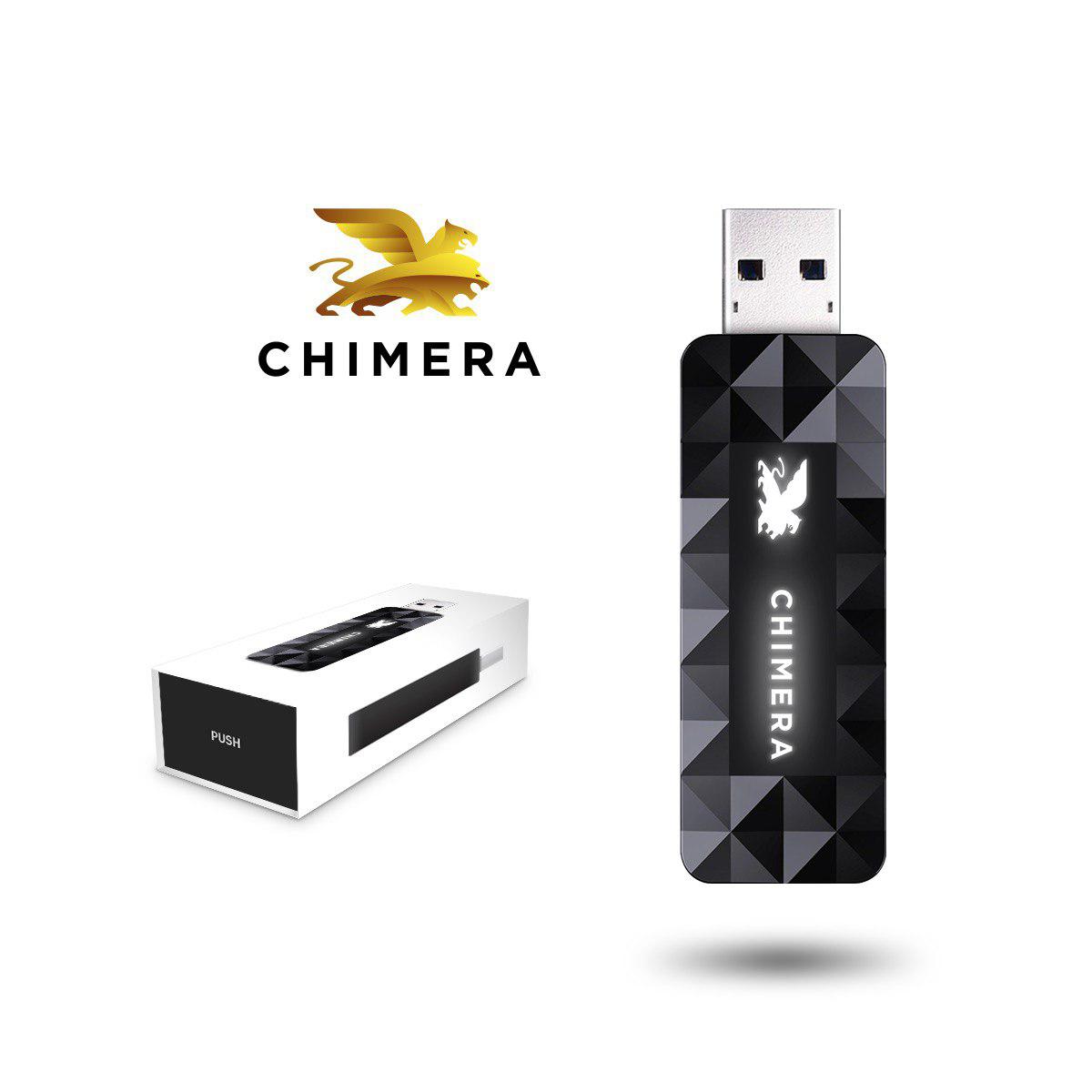
The authenticator can be purchased only together with a new license, you cannot purchase an authenticator for a license which was purchased previously.
How to buy it. Step-by-step instructions:
- Please sign in with your registered username and password to your account at www.chimeratool.com.cn website.
- Please click on the SHOP menu.
- Please choose the appropriate license (Professional or Premium) by clicking on the Add to cart button, then scroll down to the bottom of the page to the Authenticator then click Add to cart.
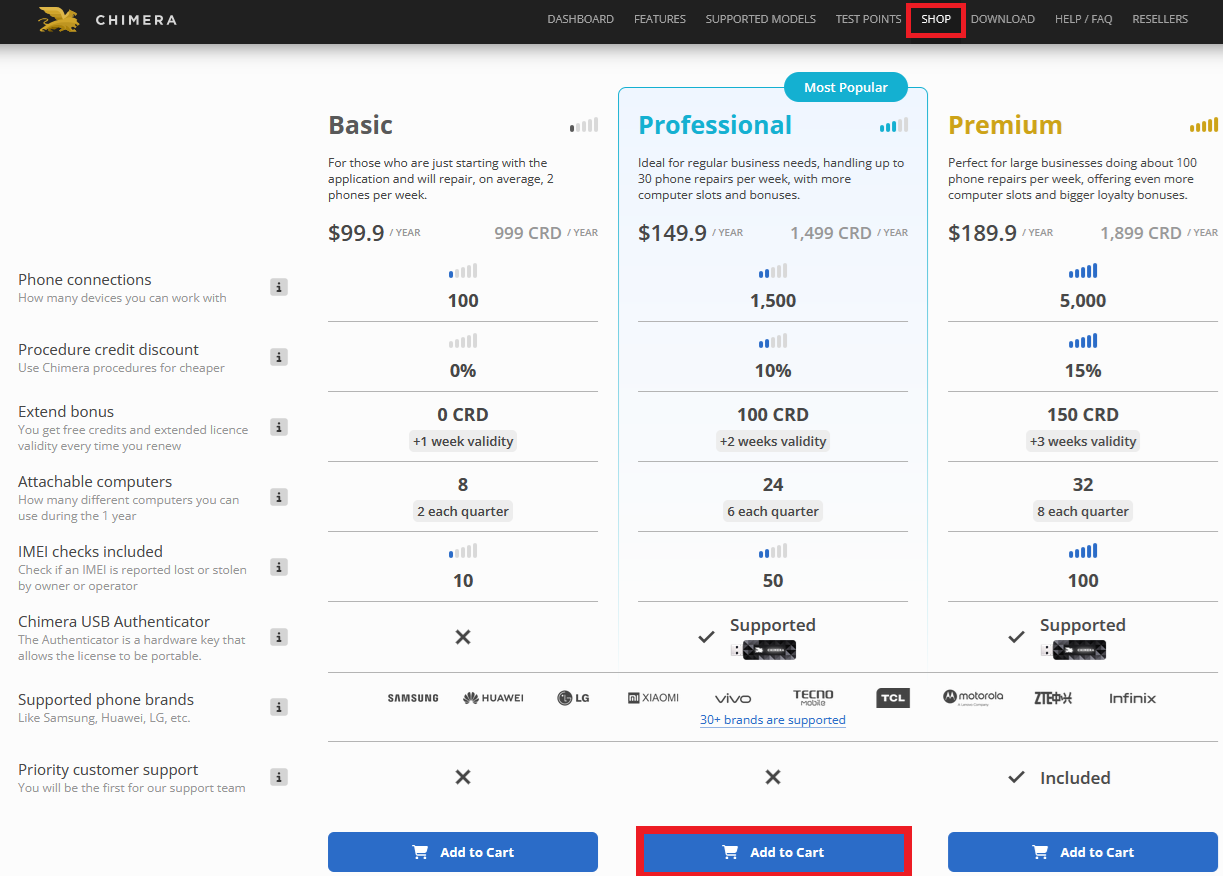
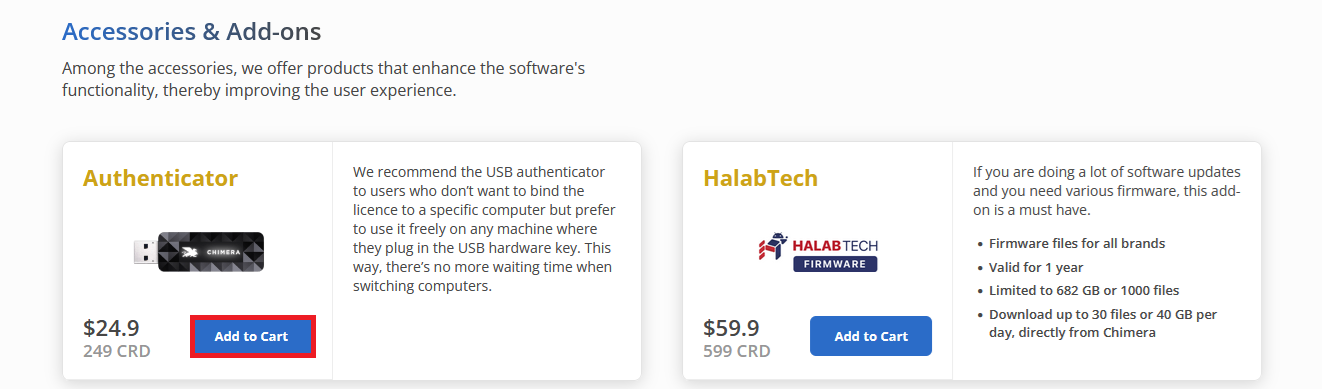
- The two items will be added to your shopping cart. You are ready to finish your purchase.
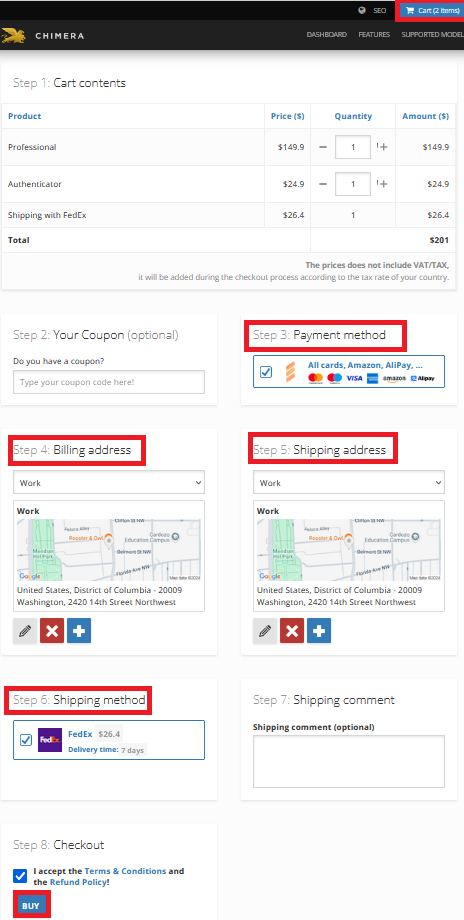
- Click on the “Cart” button in the upper right corner of the webpage. Here you can check the items to be purchased.
- Select a payment method, enter the shipping address and the shipping method.
- Accept the Terms & Conditions, also the Refund Policy and click on the “BUY” button.
FAQ
Check Frequently Asked Questions about ChimeraTool features!
Video Guide
Watch our YouTube video tutorials about ChimeraTool features!
Martview forum
Martview is not our official forum but it can bring help to all our customers, since the questions asked are answered by professionally relevant users and administrators there.
Test Points Library
A continuously updated collection of Test Point photos, PCB Diagrams and Blueprints to help everyone easily find the test point pins on smartphone motherboards - all at one place!
GSMHosting forum
This is our official English-language forum. We recommend it for all of our users, because many problems and errors have been described and answered here over the years.
 Popular Helps
 Popular Tags
