











ChimeraTool Software
First log in:
After you downloaded the software you have to log in with your username and password.
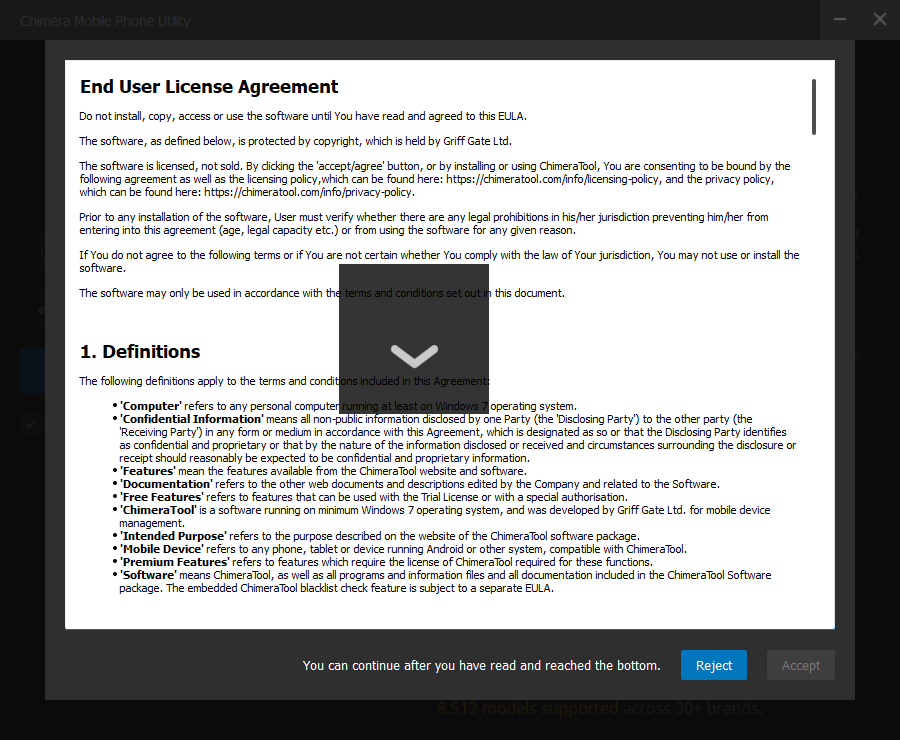
The program will ask you to accept our "End-user License Agreement", please accept it.
Buy:
First of all, to use every one of ChimeraTool's software functions, you will have to have a valid licence. You can purchase a licence on our website or from one of our official resellers.
Once you have entered the Buy menu, you will see a link to the Chimera web store within the ChimeraTool software. From here you can buy the license, the credits and the hardware.
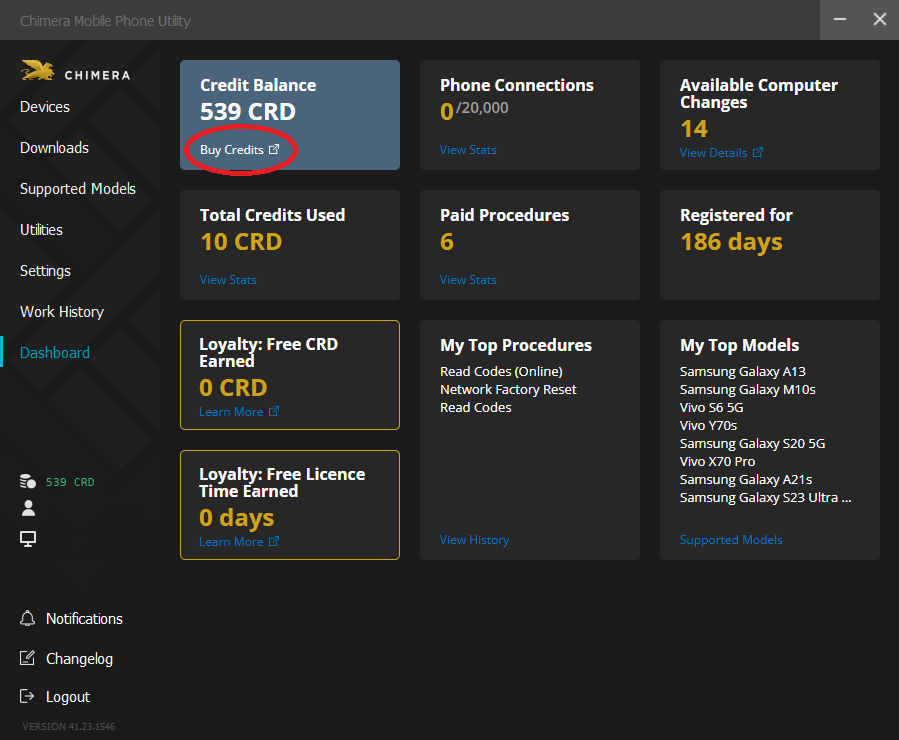
When you reach the website you can choose which license you would like to have from the 3 possibilities. You just need to click on it.
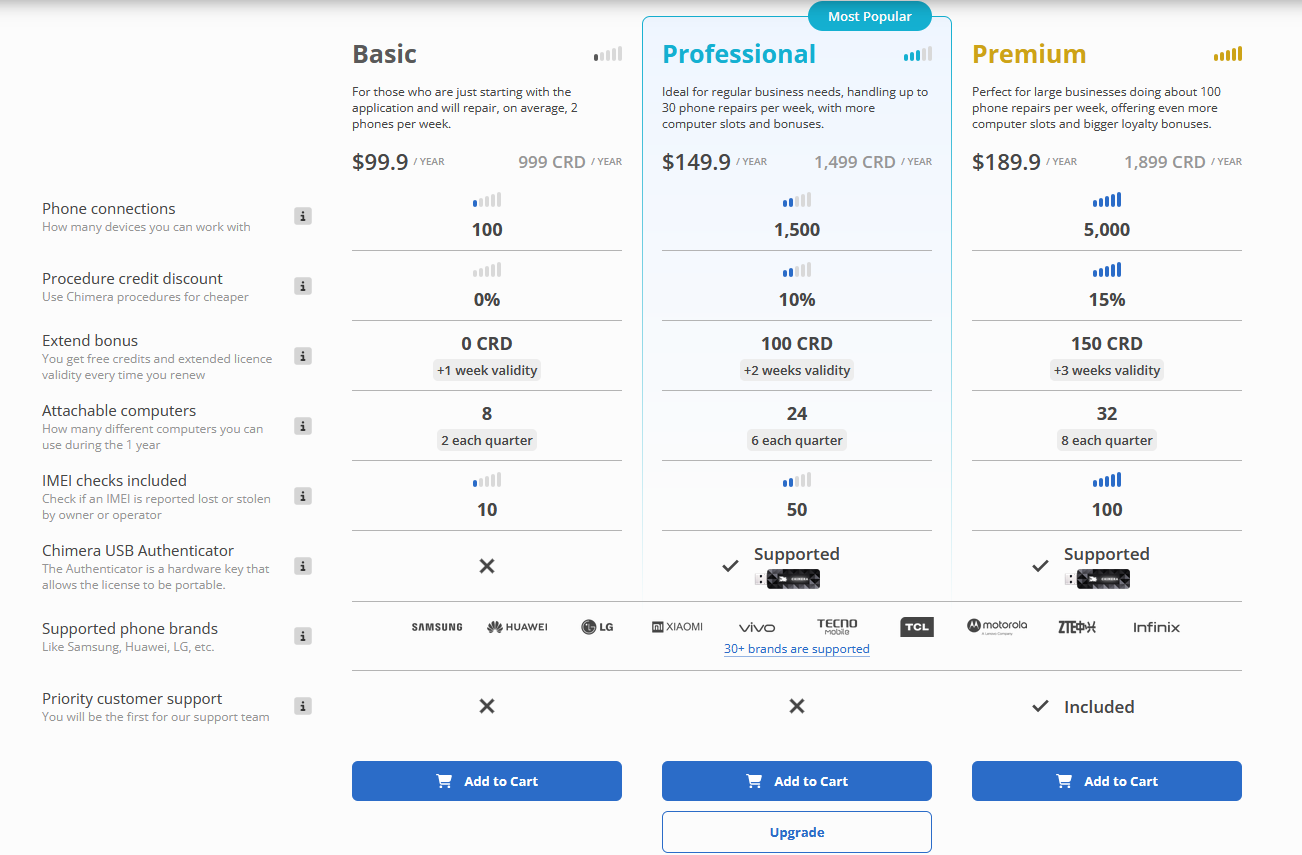
And now, the final step is to review your payment. The next picture shows the final summarization of your items. As an example, the Professional 12-month license is 149.9$ and an additional 150 credits can be purchased for 15$, thus the final amount is 164.$.
If you would like to finish the payment, just place a check to accept the Terms & Conditions and the Refund Policy field and click on the BUY NOW button.

You have the opportunity to buy ChimeraTool credits and activate the license from the purchased credits. During the time when you don't have a valid 12-month license or you have an expired one, the minimum quantity of credit that you can buy is 1000 CRD.
Here you just need to enter how many credits you would like to buy ( minimum 1000 credits needed ) and click on the BUY button.

After clicking on the BUY button you will be redirected to the following page where you just need to doublecheck your items, choose your payment method, accept the Terms & Conditions and the Refund Policy field, and click on the BUY NOW button.
Supported models:
It works the same way as it does on our website. Here you can find each and every model we support and next to their names you will see what functions you can use. For the list of supported models, you can find help >> here <<.
Profile:
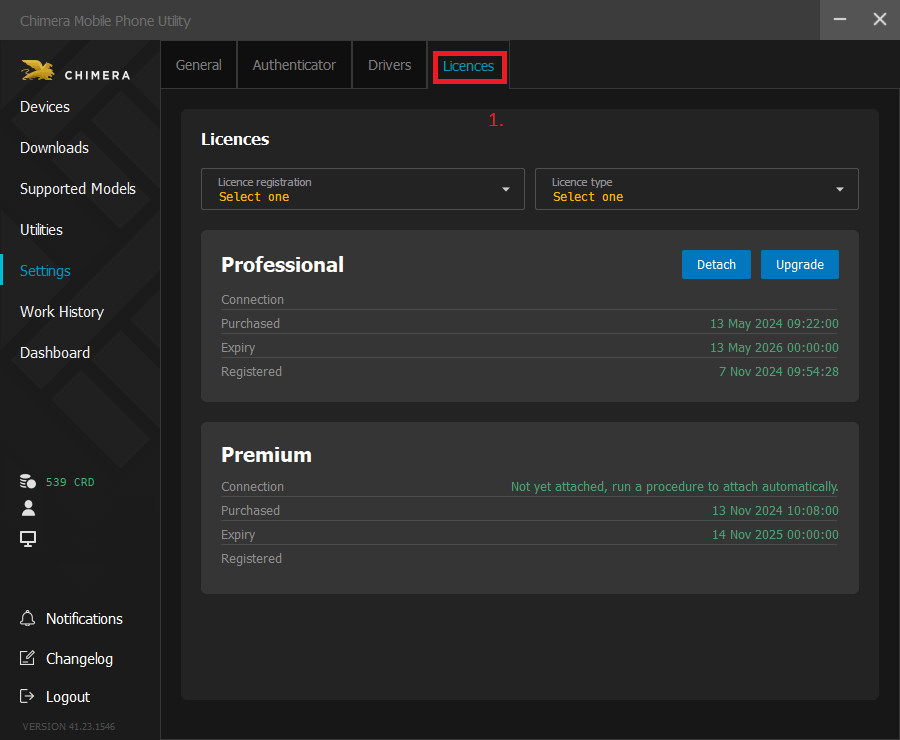
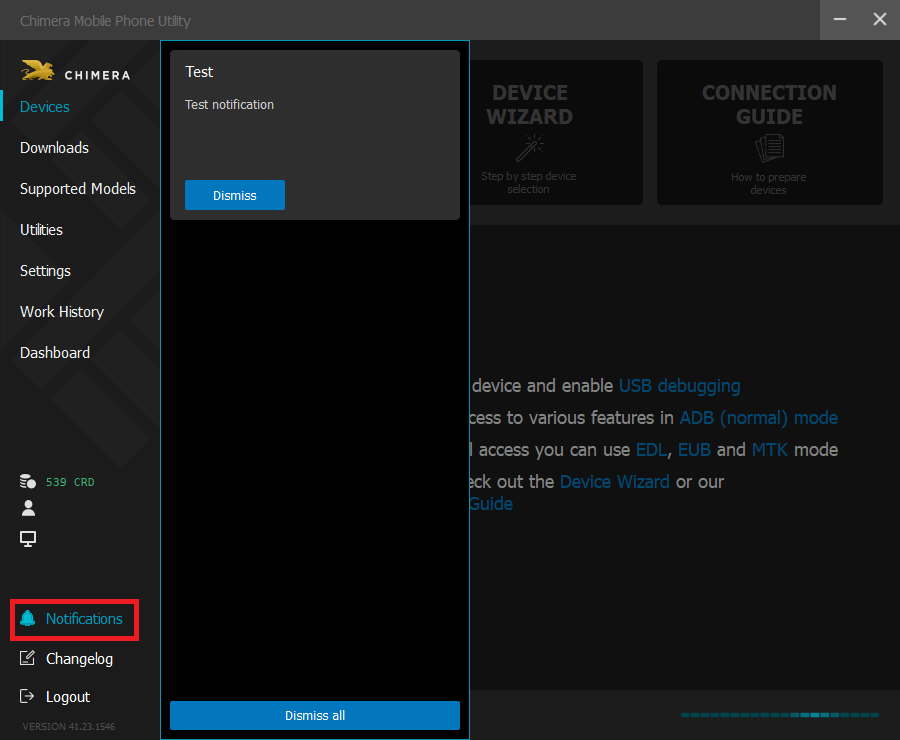
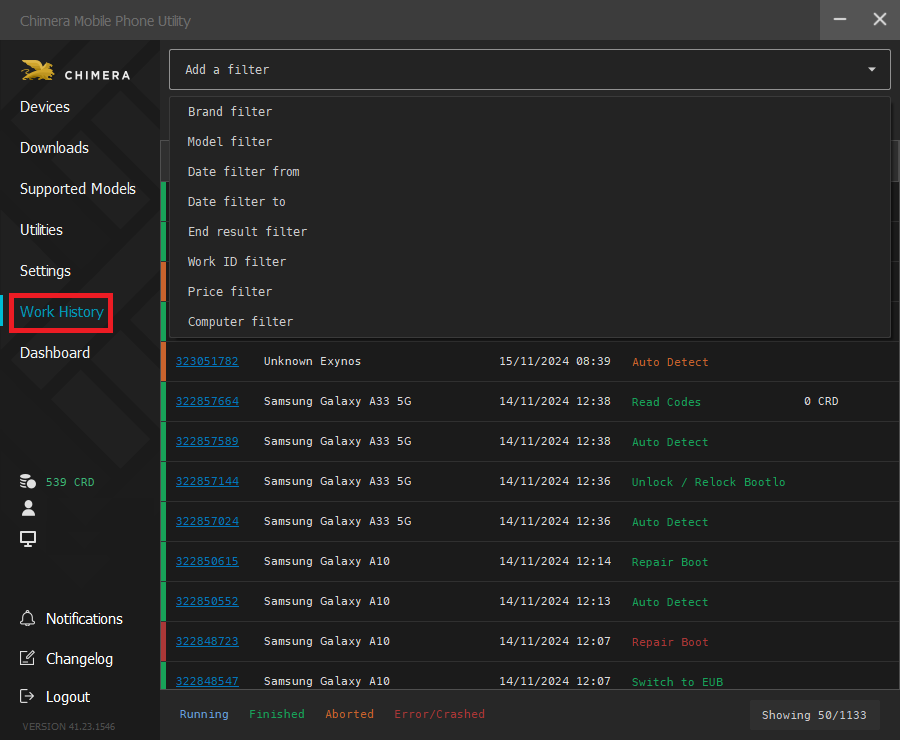
Here you can find details about your active licenses (1.) , your notifications (2.) (messages from the system/from us), details about your previous jobs (3.)
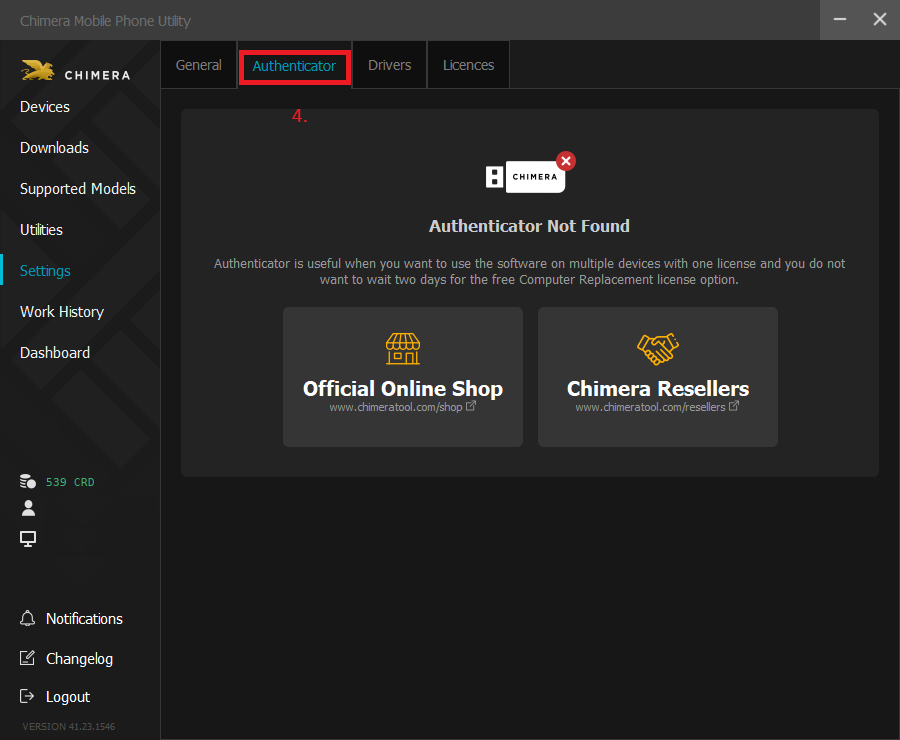
You can find information about the Chimeratool authenticator on the Authenticator tab of the Settings menu (4.).
On the Job History tab you can see the Work ID, the brand of the device you were working with, the date, what feature you were using and how many credits it took. If you do not find the Job you are looking for just press the "Filter" option and you will be able to select from different filters. If you do not want to use this feature just click on "Filter" again and select "Clear".
More information about the ChimeraTool Authenticator >> here<<
Downloads:
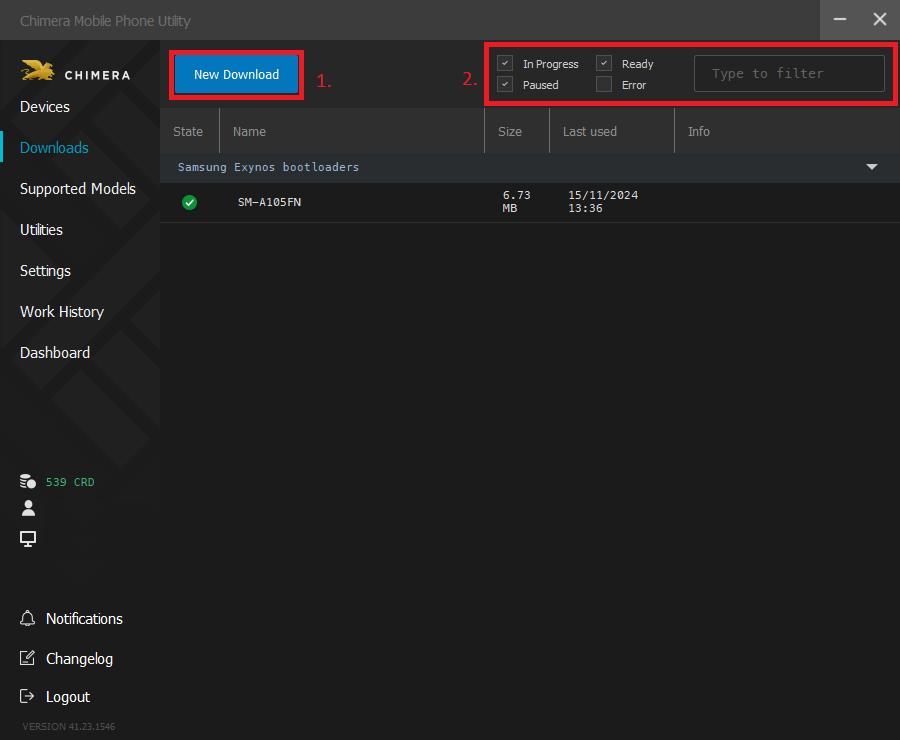
You can pre-download (1.) the files you need so you can use the Samsung, Huawei, Blackberry, LG, HTC, Xiaomi or Lumia functions.
If you need some information about a previously downloaded file, you can use the "Filters" option for it (2.).
Drivers:
Here you can download the necessary drivers, and you have the opportunity to check if your drivers are up to date or not. If it is necessary you can reinstall the drivers with one click. For the Drivers you can find help >> here <<.
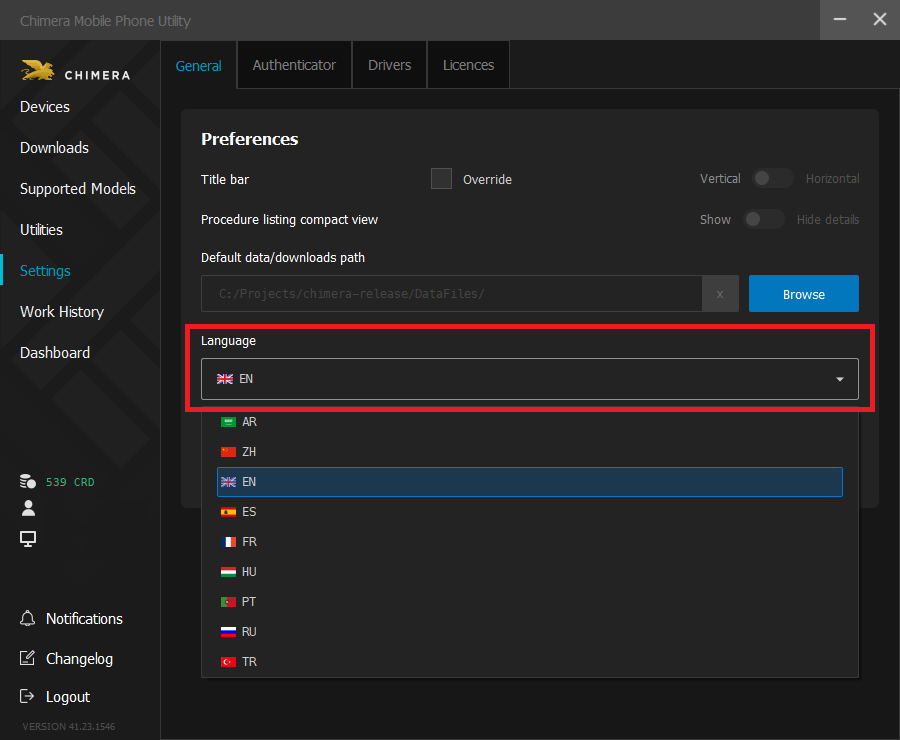
Language:
Here you can choose from 9 language options.
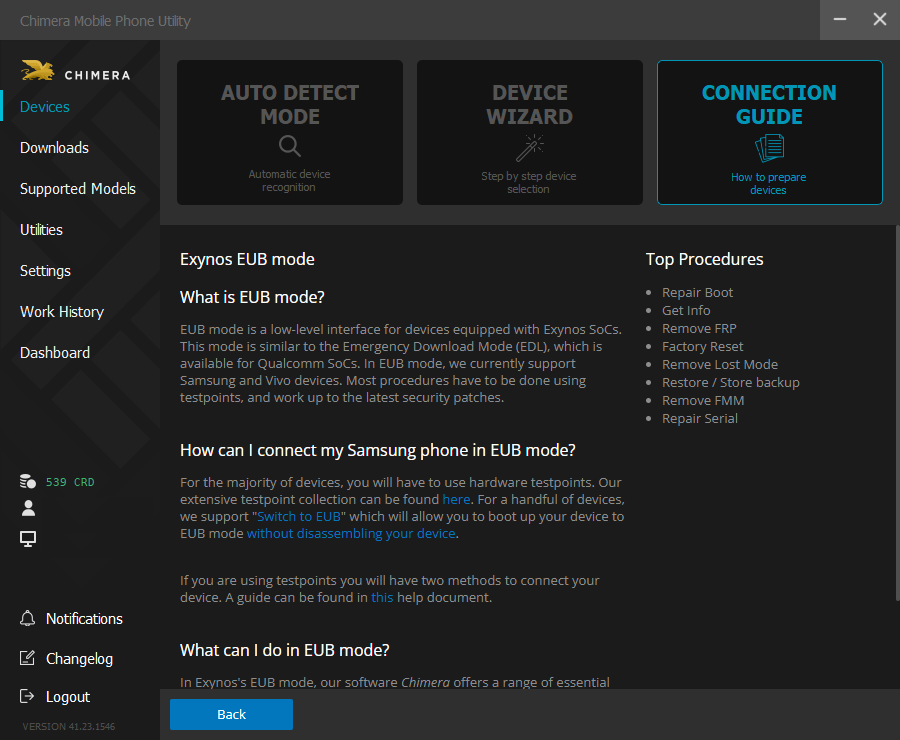
Connection Guide ( Help ) :
Here you will find detailed information on the ways of connection of the particular brands.
FAQ
Check Frequently Asked Questions about ChimeraTool features!
Video Guide
Watch our YouTube video tutorials about ChimeraTool features!
Martview forum
Martview is not our official forum but it can bring help to all our customers, since the questions asked are answered by professionally relevant users and administrators there.
Test Points Library
A continuously updated collection of Test Point photos, PCB Diagrams and Blueprints to help everyone easily find the test point pins on smartphone motherboards - all at one place!
GSMHosting forum
This is our official English-language forum. We recommend it for all of our users, because many problems and errors have been described and answered here over the years.
 Popular Helps
 Popular Tags
